Fast and ad-blocking browser
Hi Browser-Private&Fast web is a feature-packed, user-friendly browser that can get you to any web page quickly and securely. This free-to-use social and communication app comes with a smooth interface and top-notch security features. With it, users can enjoy safe and secure internet access.
Top Recommended Alternative

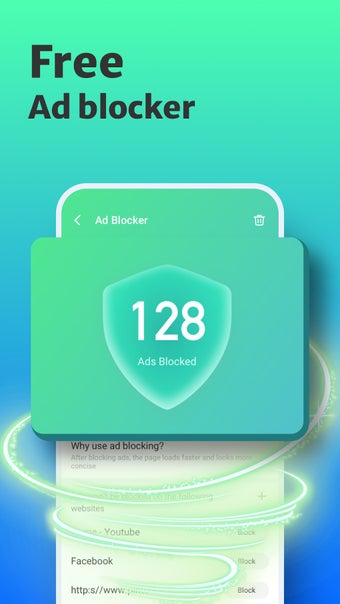
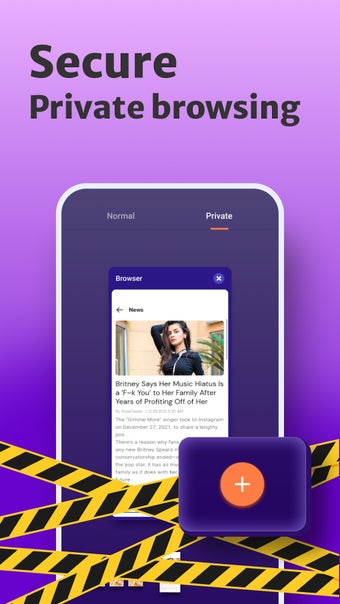
Thanks to its built-in ad blocker, Hi Browser-Private&Fast web gives users a seamless web browsing experience that will not be interrupted by intrusive ads. It also allows users to go incognito for more private browsing. This app is highly similar to UC Browser, Opera Browser, and the like.
Not your ordinary internet browser
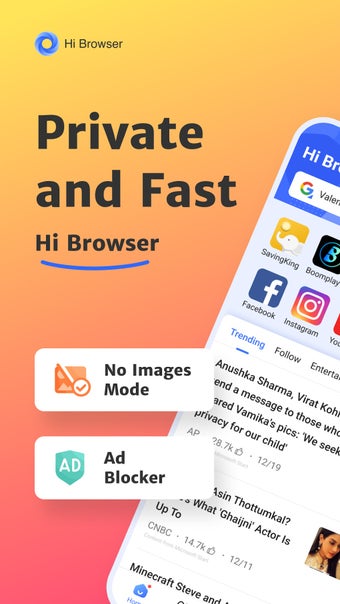
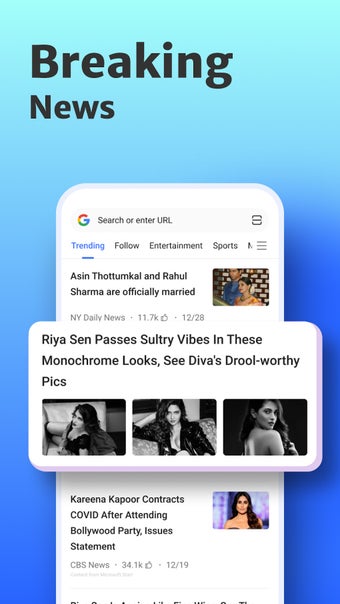
Right off the bat, Hi Browser-Private&Fast web does not seem to function like any other browser. With its generous range of features and tabs that show users what to do with it, it borderline comes across as a mini social app instead of a browser. Recommended news articles tackling worldwide topics are what one will see as soon as the app launches, for instance.
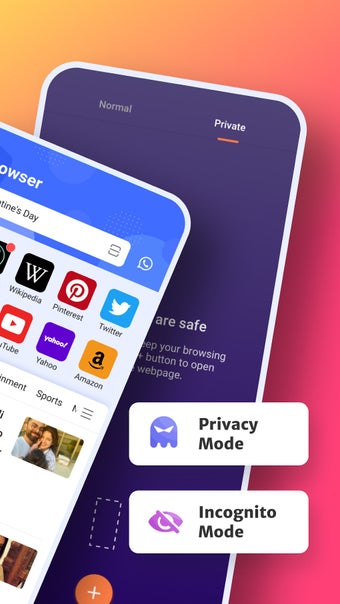
There is a bit of exploring to do before the browser tabs can be discovered, and the user can choose between normal and private browsing. Despite the rather puzzling interface organization, the app makes up for it with a built-in ad blocker that ensures a disruption-free and smooth experience and a media sniffer feature that scours web pages for downloadable photos and videos.
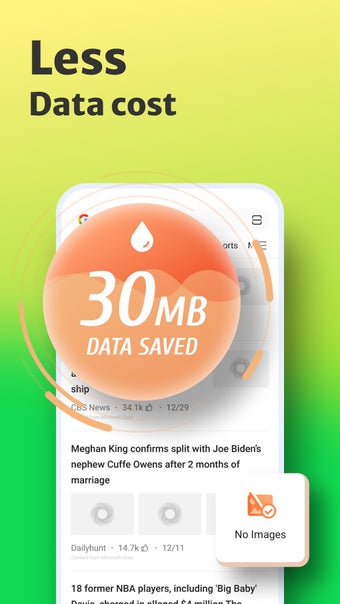
Furthermore, the app boasts an economical No Images mode as well, wherein the user can save on Wi-Fi or mobile data as web pages will only load with the text and without any data-consuming pieces of media. Besides that, it also has the classic Bookmark feature, allowing users to save web pages for future reference. It also has a night mode that is easy on the eyes.
It has too many features
With an integrated ad blocker, incognito mode, night mode, and a ton of other valuable features, Hi Browser-Private&Fast web is a viable option if you are looking for a new go-to internet browser. It also has a bookmark feature that allows you to revisit interesting web pages, plus an entire dashboard full of trending news articles. Though, the assemblage of so many features tends to be a double-edged sword.